

The following procedure will guide you on how to receive emails that have been sent to your spam or junk folder into your inbox folder.
Step-by-Step Guide
- Login to your Yahoo account.
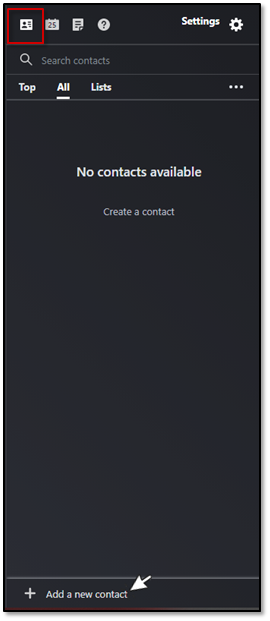
- From the Contacts icon, click on Add a New Contact.
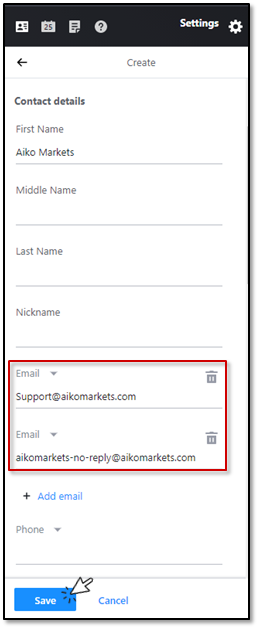
- Add [email protected] and [email protected] to the Email section. Click on Save once ready.
Incoming mail from this point onwards should be received in your Inbox folder.
